
How do I skip one month of my subscription?Updated 5 months ago
You can skip your next scheduled subscription order directly from your account at any time.
Skipping an order will pause your next shipment only. Your subscription will remain active, and billing will resume automatically with the following scheduled order.
Please note that subscription skips must be processed no later than the day before your scheduled shipment processing date.
How to Skip Your Next Order
1. Log into your account here.
2. Under Active Subscriptions, locate the subscription you would like to manage.
3. Select Edit Subscription.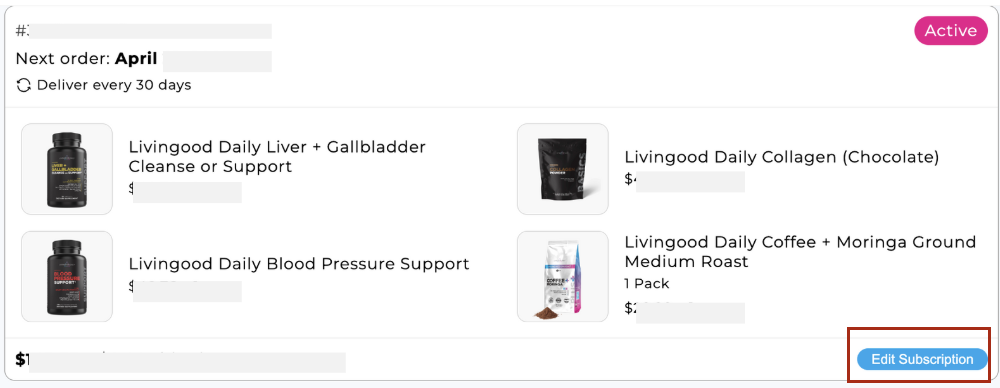
4. Click Skip Order on the next scheduled shipment.
Once your order has been skipped, you will not be charged for that shipment. Your following scheduled subscription order will continue as normal.
If you would prefer to receive your subscription less frequently instead of skipping an order, check out this article for steps on how to update your subscription frequency.