How do I set up notifications for the App?Updated 8 months ago
Depending on your mobile device, there will be a few different ways to ensure you're receiving notifications:
- For Apple devices: Go to
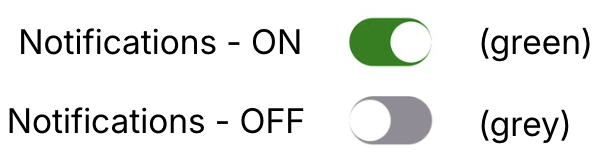
 Settings > Notifications > Livingood Daily . Toggle on “Allow Notifications”. To view the official instructions from Apple, click here.
 - For Android devices: Settings > Notifications > App notifications . Look for the Livingood Daily App, and toggle the "Allow notifications" switch to on. Google Play's official instructions for this can be found here.
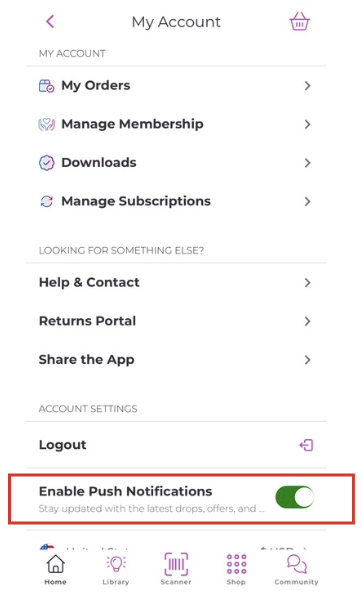
From directly in the App, access your Account page, then Toggle "Enable Push Notifications". You can change this setting at any time!